
Your business.
Within reach.
Billing, stock, customers and reports. Bring your DukaanMatic workspace to your phone, with the familiar tools and blue-and-white interface you already know.
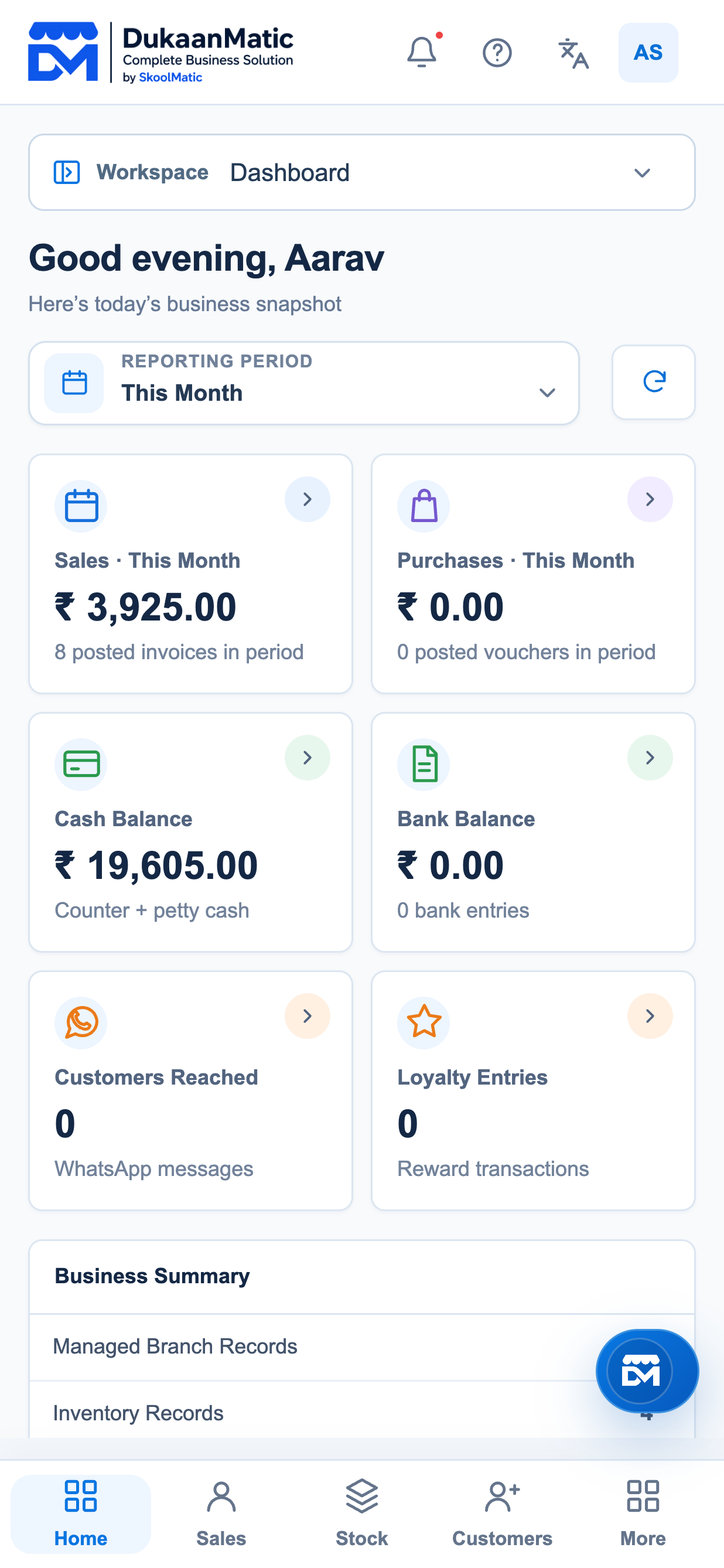
Actual app screens · Illustrative business data
From the counter to the stockroom.
Find the tools you need without navigating a desktop-sized screen.
Sales & purchases
Review bills, manage entries and keep track of transactions.
Stock & inventory
Check items, stock movements and low-stock information.
Customers & suppliers
Find contacts, balances and account history in one place.
Accounts & reports
Review outstanding amounts and your business reports.
Familiar tools.
A better fit for your phone.
Clear navigation, searchable business tools and responsive buttons keep everyday work easy to find.
Start with sales, balances and the work that needs your attention.
Your computer and phone, working together.
Mobile on the same Wi-Fi
Use the phone’s browser to work with the business data saved on your computer. Internet is not required for local business work.
- Open Data Storage in the desktop app and select Start mobile sharing.
- Connect your phone to the same trusted Wi-Fi and open the displayed mobile address.
- Enter the sharing code. Keep the computer and DukaanMatic open while you work.
One mobile editing session at a time protects shared records. The sharing code gives full business access. Use a trusted private network.
The DukaanMatic Android app
We’re preparing the Android app for distribution. A store download will appear here when the release is publicly available.
Windows and macOS downloads are available on our software page.
iPhone users can use the same-Wi-Fi browser connection. An iOS App Store release is not currently available.
Get help with mobile accessSimple answers before you start.
Does mobile work without internet?
On the same Wi-Fi, your phone can reach the running computer without internet. If the phone loses its connection to the computer, editing pauses and unconfirmed work stays on the phone for recovery.
Is Local storage the same as Cloud?
No. Local business data stays on the computer. A configured Cloud workspace can save desktop work offline and retry syncing when connected. Cloud plans and optional Cloud Backup have separate access requirements.
Can everyone edit at the same time?
Same-Wi-Fi sharing currently allows one mobile editing session at a time. Desktop editing pauses until that session ends.
Do messages and payments work offline?
Live messaging, payments, account verification and other connected services still require internet and their usual permissions.
Keep your business close.
Set up DukaanMatic on your computer, then connect your phone.