SECURITY BY DESIGN

Your business data stays protected and under your control.

DukaanMatic combines local resilience with secure connected services, controlled access and traceable activity—so owners can operate confidently without losing visibility.

Security by design Role-based controls Offline resilience
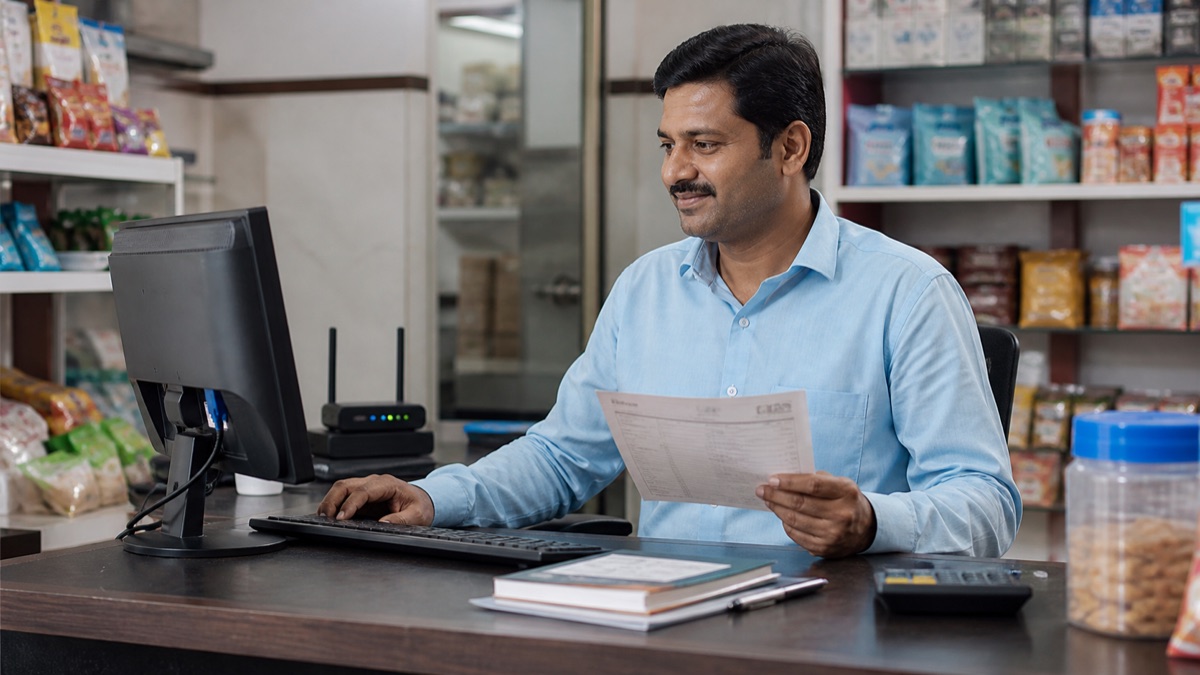
Indian business owner securely reviewing company information on a laptop
PROTECTION ACROSS EVERY LAYERBusiness data stays under your control
CORE SECURITY CONTROLS

Protection designed around real business operations

Security is applied across people, devices, data and synchronization—not treated as a single feature.

01

Identity and access

Give owners, accountants, managers and counter staff only the workflows their responsibilities require.

  • Role-based module permissions
  • Owner-only sensitive controls
  • Account recovery safeguards
  • Timely user deactivation
02

Data protection

Reduce unnecessary exposure while business information moves between supported DukaanMatic services.

  • Encrypted transport
  • Protected credentials
  • Secure service communication
  • Careful export handling
03

Business and branch boundaries

Keep users, branches and business records inside the correct organisational context.

  • Business-scoped access
  • Branch-aware operations
  • Separated account context
  • Controlled cross-branch visibility
04

Traceable activity

Preserve useful operational context for important changes and user activity where the workflow supports it.

  • User and time context
  • Important change history
  • Transaction references
  • Team accountability
05

Backup and recovery

Support recoverability through connected backup workflows and operational safeguards while preserving local continuity.

  • Protected backup workflows
  • Recovery-oriented design
  • Connectivity-aware sync
  • Data restoration assistance
06

Device and offline safety

Continue essential local work through an outage, then synchronize pending changes when connectivity returns.

  • Offline-first billing
  • Pending-change visibility
  • Deliberate synchronization
  • Trusted device practices
VISUAL SECURITY GUIDES

See how protection fits into everyday ERP work

Short, practical walkthroughs explain what owners configure, what staff experience and what to review when something changes.

Set roles without slowing your team security walkthroughVIDEO GUIDE · 9 min
ERP SECURITY WORKFLOW

Set roles without slowing your team

Map counter, purchasing, accounting and owner responsibilities to the minimum access each role needs.
  • Choose module access
  • Protect owner actions
  • Review users regularly
Request guided review
Work safely through an outage security walkthroughVIDEO GUIDE · 7 min
ERP SECURITY WORKFLOW

Work safely through an outage

Understand local continuity, pending changes and the checks to make before and after synchronization resumes.

  • Keep billing moving
  • Check pending work
  • Confirm successful sync
Request guided review
Review important activity security walkthroughVIDEO GUIDE · 10 min
ERP SECURITY WORKFLOW

Review important activity

Use transaction, user and time context to investigate changes without exposing more business data than necessary.

  • Identify the record
  • Confirm who changed it
  • Document follow-up
Request guided review
DATA PROTECTION JOURNEY

Clear safeguards from sign-in to recovery.

Security controls work together throughout the lifecycle of business activity.

  1. 1AuthenticateVerify the right user
  2. 2AuthoriseApply role permissions
  3. 3ProtectSecure data movement
  4. 4RecordMaintain activity context
  5. 5RecoverSupport continuity
SHARED RESPONSIBILITY

Strong security works best when platform and business controls work together.

DukaanMatic protects the service foundation. Business owners remain responsible for authorised users, device safety and appropriate operational access.

DUKAANMATIC HELPS PROTECT
  • Service access boundaries
  • Transport and sync safeguards
  • Backup and recovery workflows
  • Security-focused product updates
YOUR BUSINESS CONTROLS
  • Strong account credentials
  • Appropriate staff permissions
  • Trusted and updated devices
  • Timely removal of former users
SECURITY QUESTIONS

Understand how your information is handled

Can essential work continue without internet?

Yes. DukaanMatic is designed for local continuity in core workflows. Connected features and pending synchronization resume when connectivity returns.

Can every staff member access all information?

No. Role-based permissions are designed to limit users to the workflows and information appropriate for their responsibilities.

Does DukaanMatic sell business or personal information?

No. The Privacy Policy explains the limited operational and service-provider uses of information required to deliver and protect the service.

How can I report a security concern?

Email [email protected] with clear reproduction details. Avoid including passwords, full financial exports or other unnecessary sensitive information.

HAVE A SECURITY QUESTION?

Talk to us about data protection, access or recovery.

Contact security